How to start from a patient intake form template?
"a box at the end of the paperwork for the patient to sign"- Google Docs Editors Community
This is a common question from practices that use Google Forms for intake: 363 people on Google's forum have asked how to put a box at the end of the paperwork for the patient to sign, instead of a tick box. A physical therapy practice also has to write every question itself, and a long generic form gets abandoned. Formesign has intake templates by specialty. Start from the physiotherapy one, get your own copy, delete the questions you don't use, and patients answer and sign in one form on their phone.
Let's start. Open the intake forms and follow the steps below.
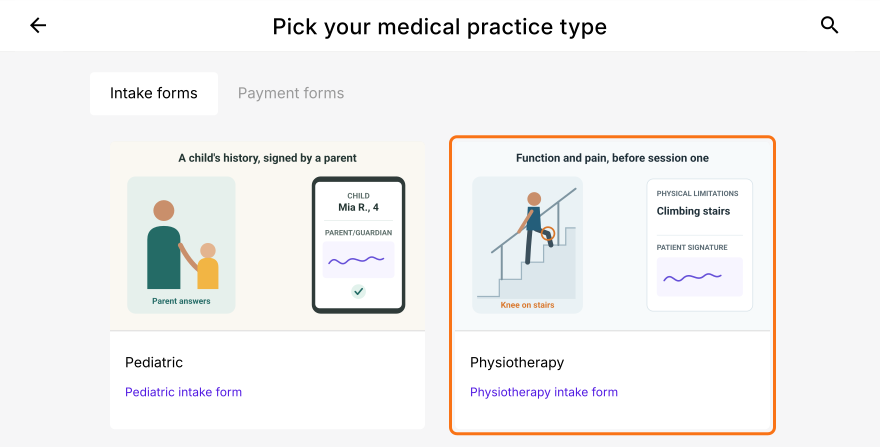
2. Get your own copy
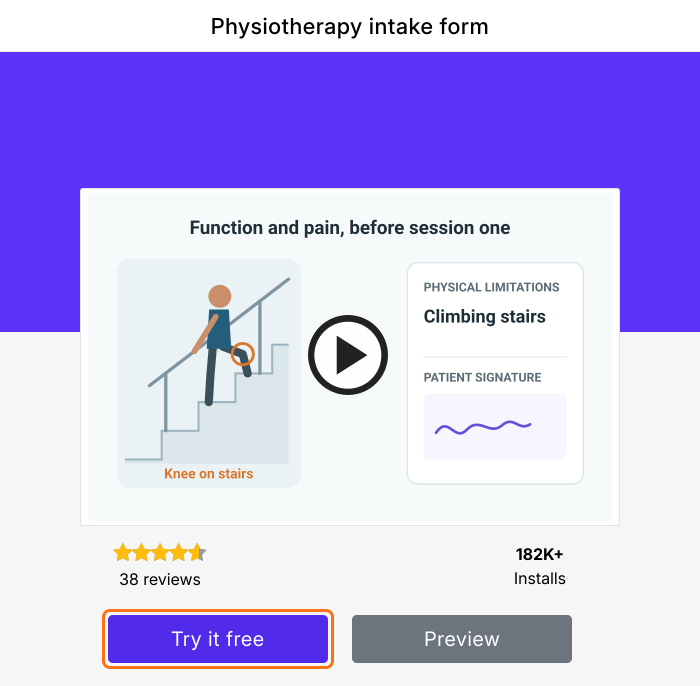
Click Try it free to get your own copy to edit. Type a title under Enter your own title, check Select language and click Proceed. If it asks "Do you want to preview this form?", click No.
3. Remove what this visit doesn't need
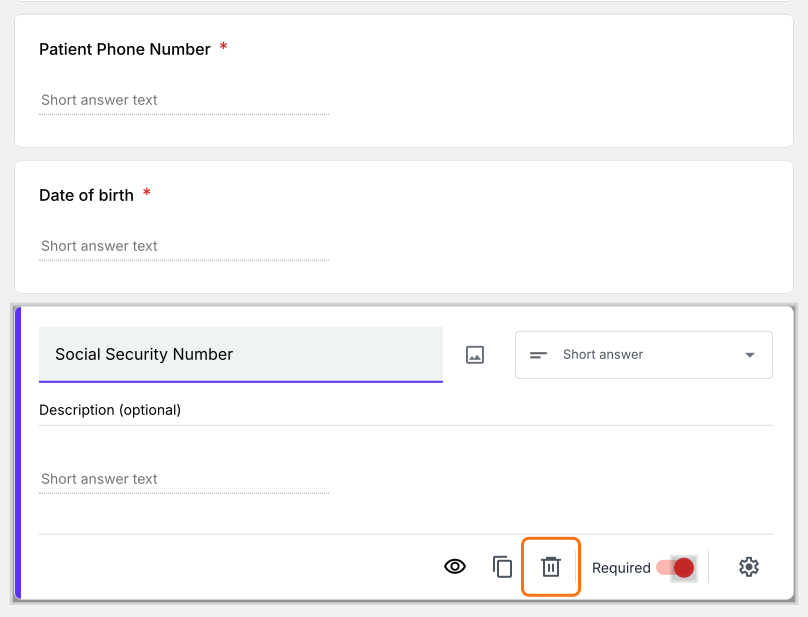
In the EDIT tab, click a question you won't use, such as Social Security Number and click the trash icon.
4. Set up the box at the end
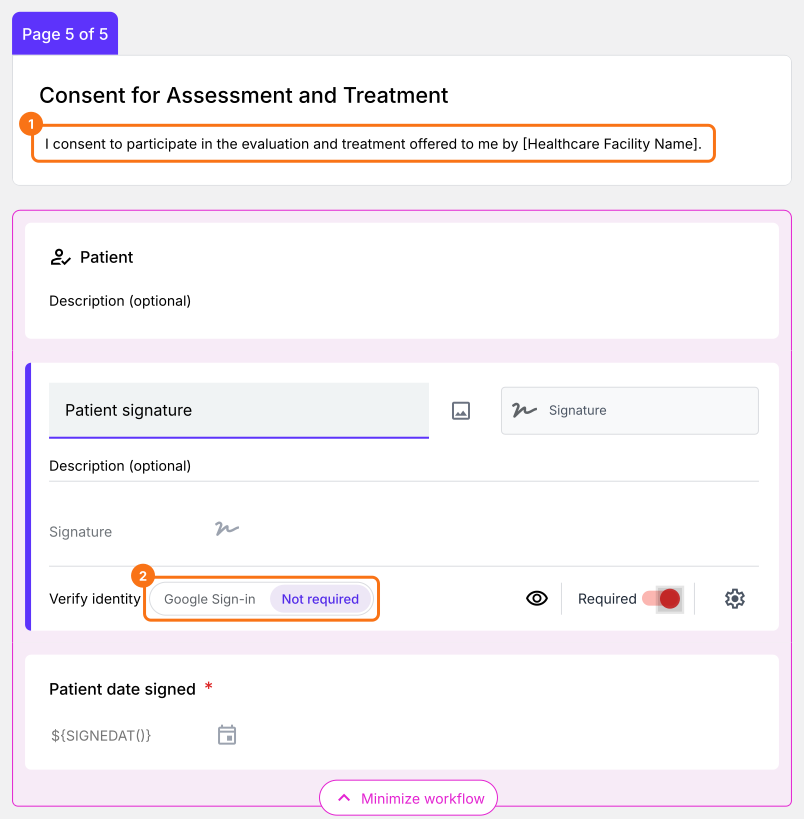
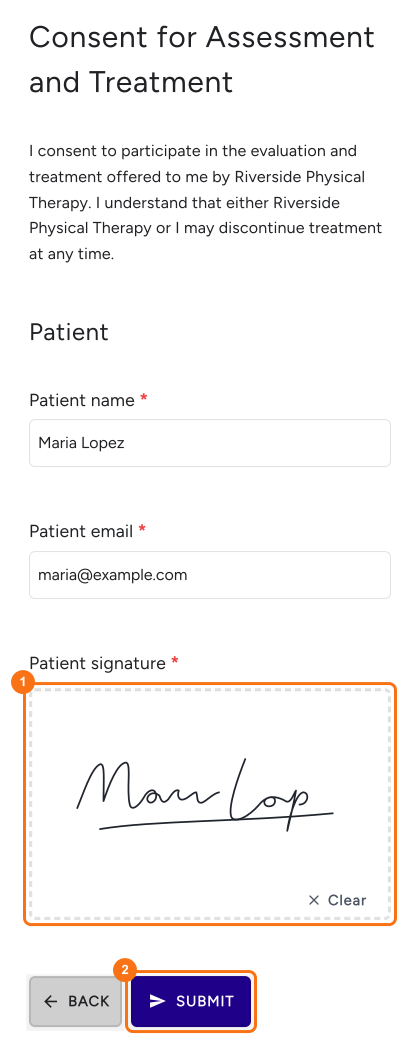
On the last page, type your practice's name over [Healthcare Facility Name]. Click the signature field and set Verify identity to Not required, so patients sign without a Google sign-in.
5. Patients sign at the end
Share the link from the SHARE tab. Patients answer, sign in the box and tap SUBMIT and a signed PDF lands in your SIGNED PDF tab.
Summary
When intake paperwork needs a real signature and you don't want to write every question yourself, Google Forms gives you a blank form and a tick box. With Formesign, you start from a template for your specialty, keep the questions you need and patients sign at the end. Start from the intake forms and complete the steps above.
Last updated: