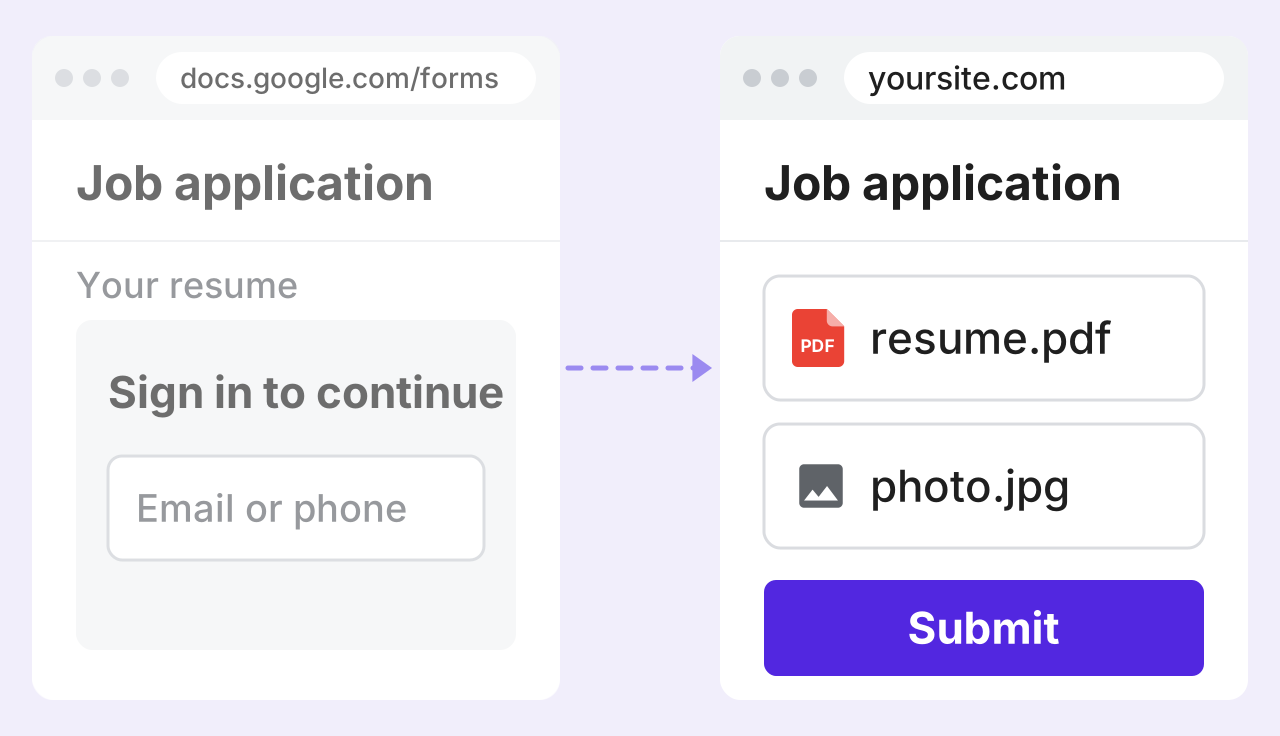
Upload files in Google Forms without login
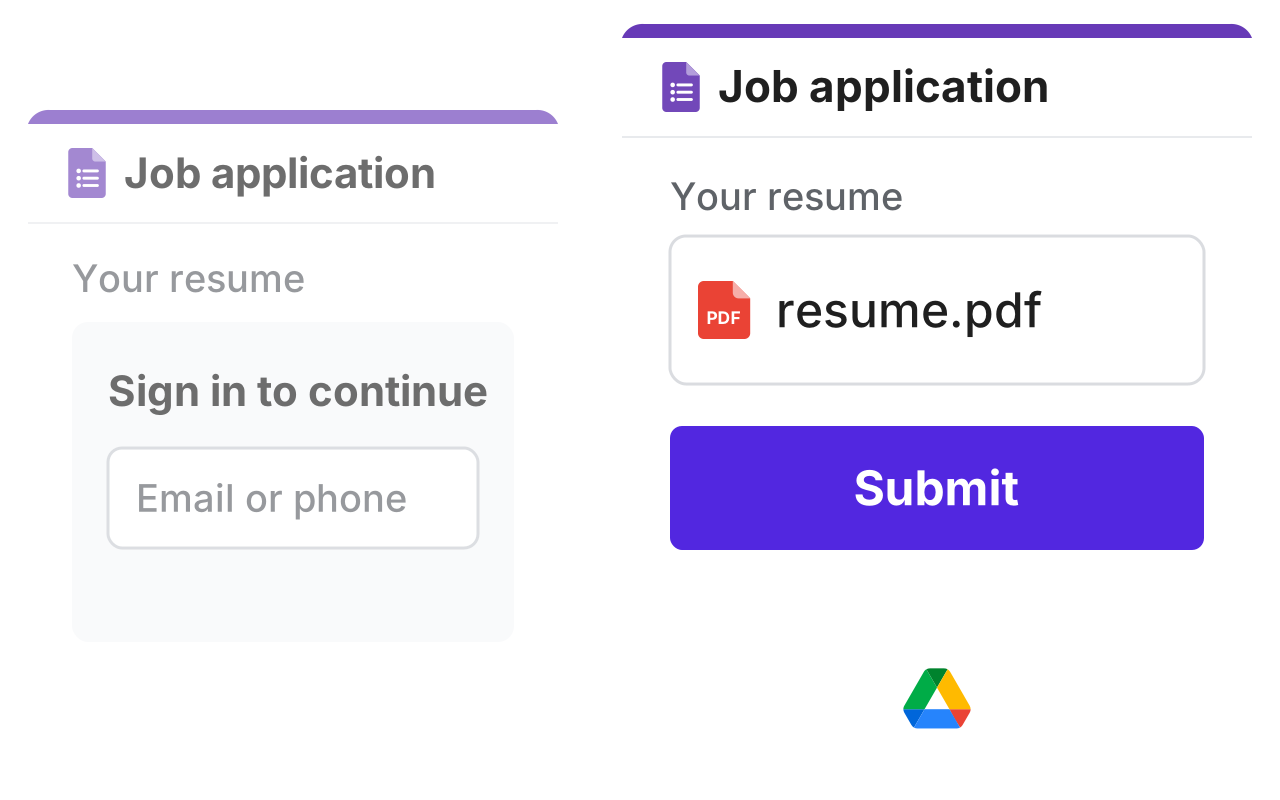
A Google Form asking people to sign in to upload their resume, faded, and a dashed line to the same form with resume.pdf attached and Submit, which goes on by a dashed line to Google Drive

Why us?

Getting files by email is slow, and Google makes people sign in to upload. Formfacade lets anyone upload on your form, and each response links to its files.
Let people upload without signing in

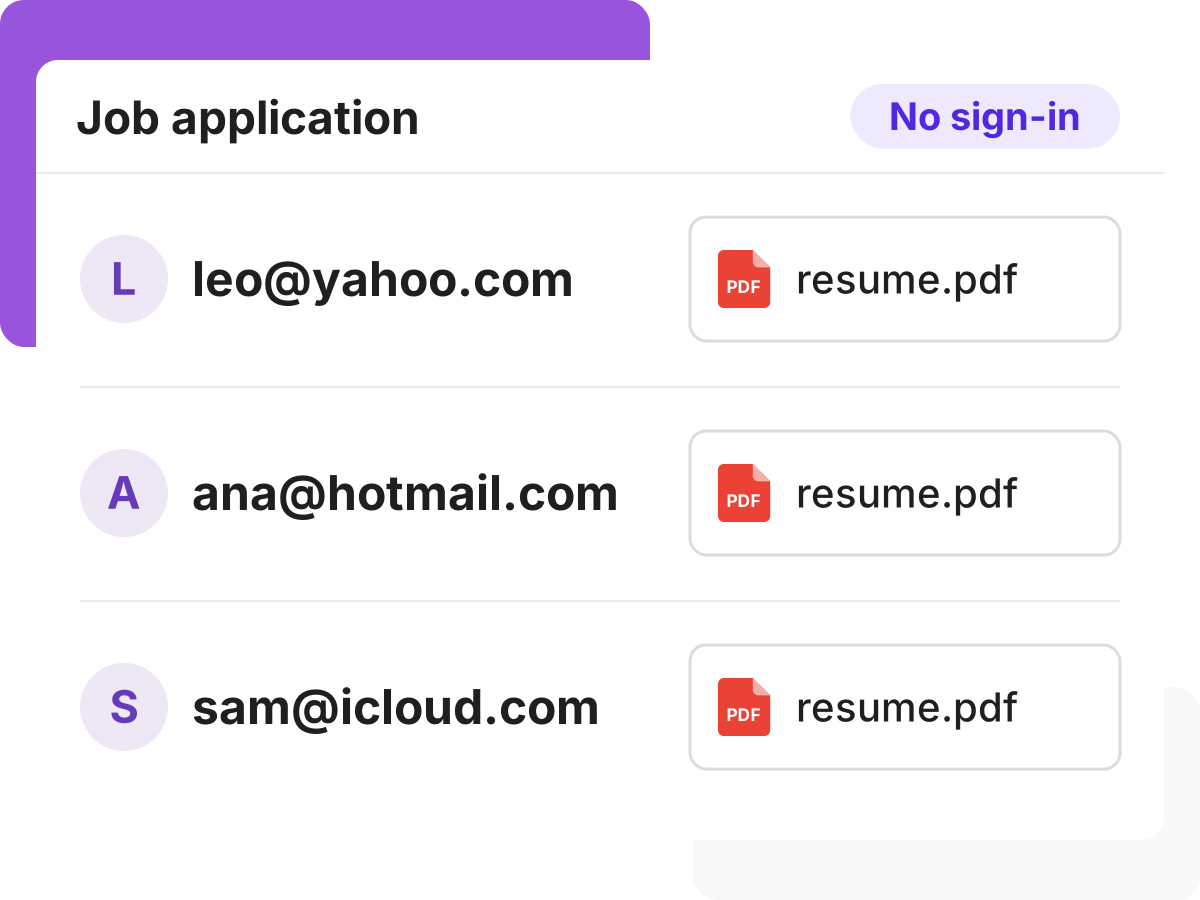
Google Forms makes people sign in to Google before they can upload a file, and some can't or won't. With Formfacade, anyone can upload from your form.

Let people upload without signing in
Let people upload from a phone

Let people upload from a phone

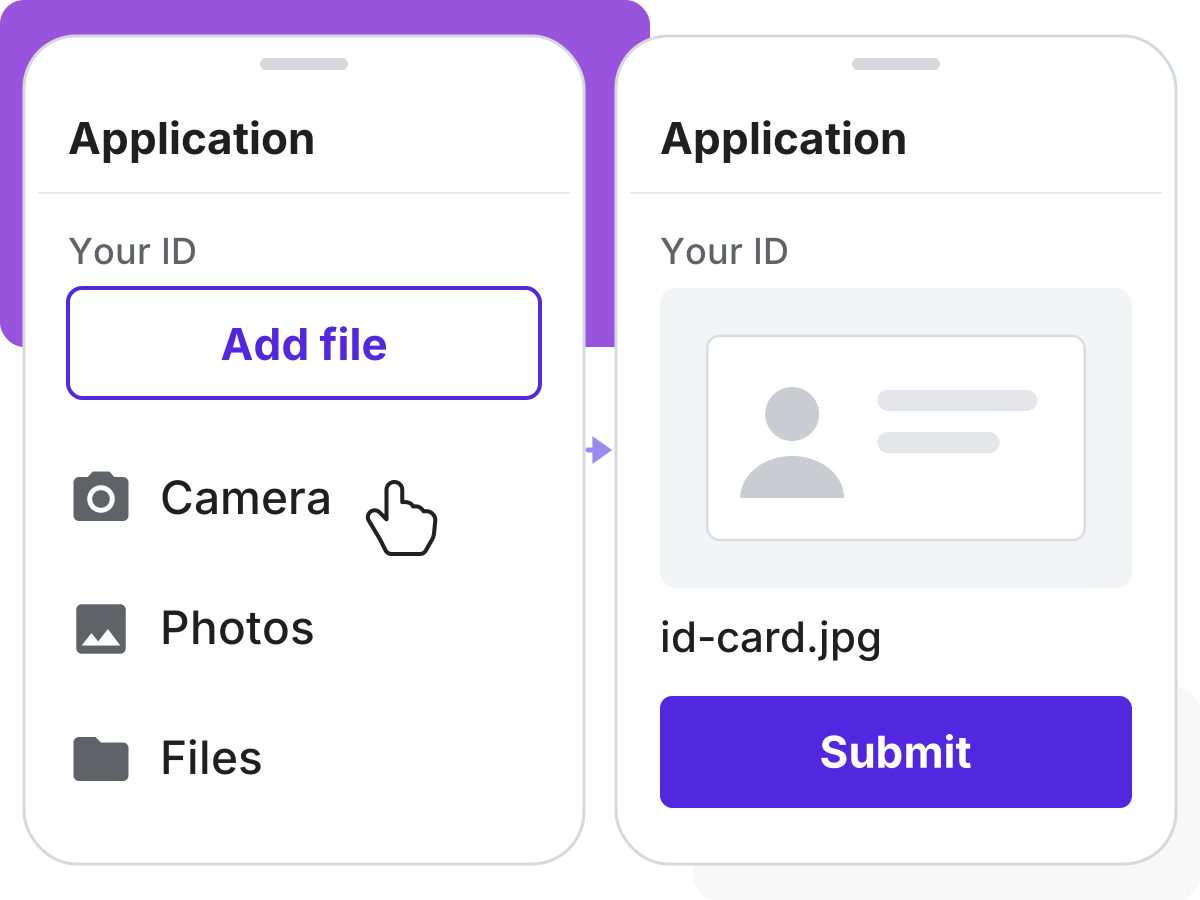
Plenty of people fill in your form on a phone. They can take a photo with the camera, or pick a file from their phone.

Get the right files the first time

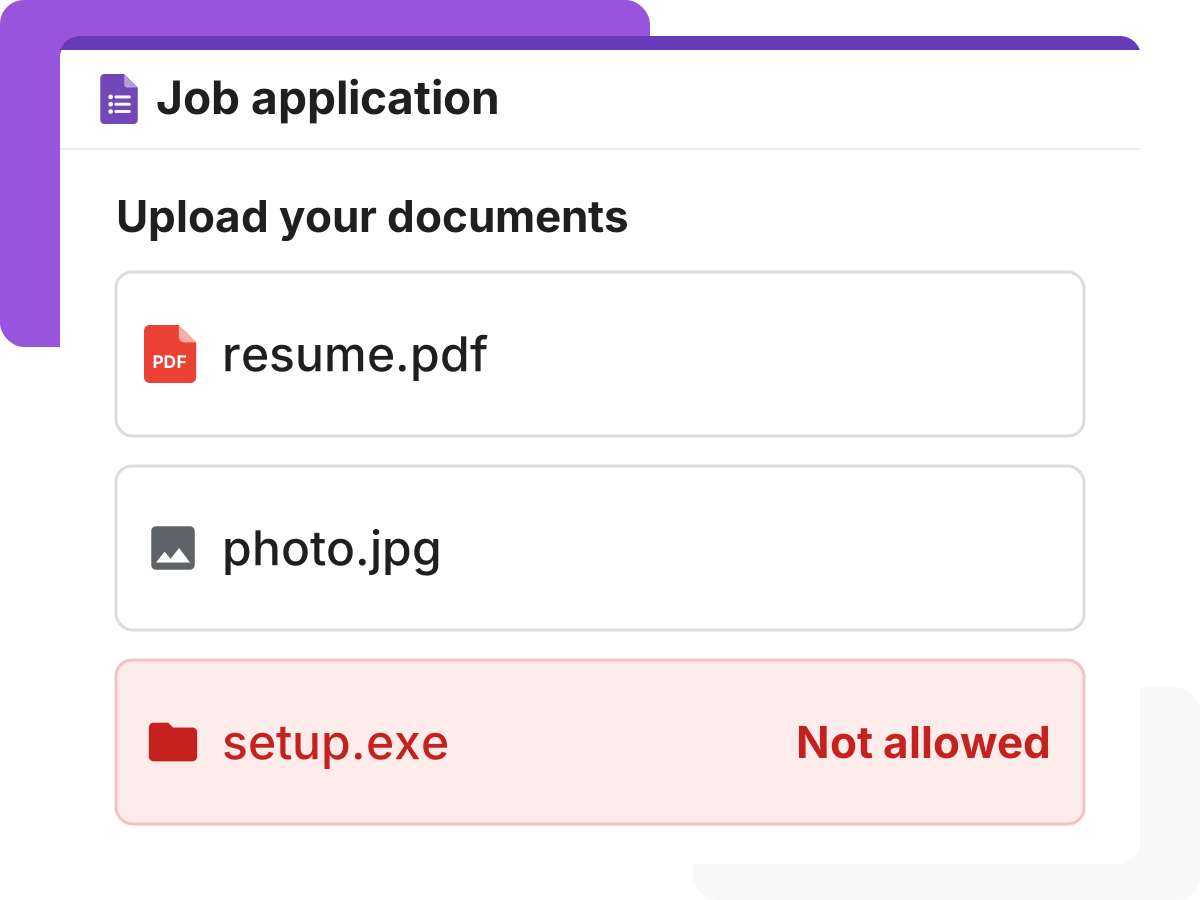
A file that's too big or the wrong type means asking people to send it again. Make the upload required, and set the file types and how many files you accept.

Get the right files the first time
Keep files with each response

Keep files with each response

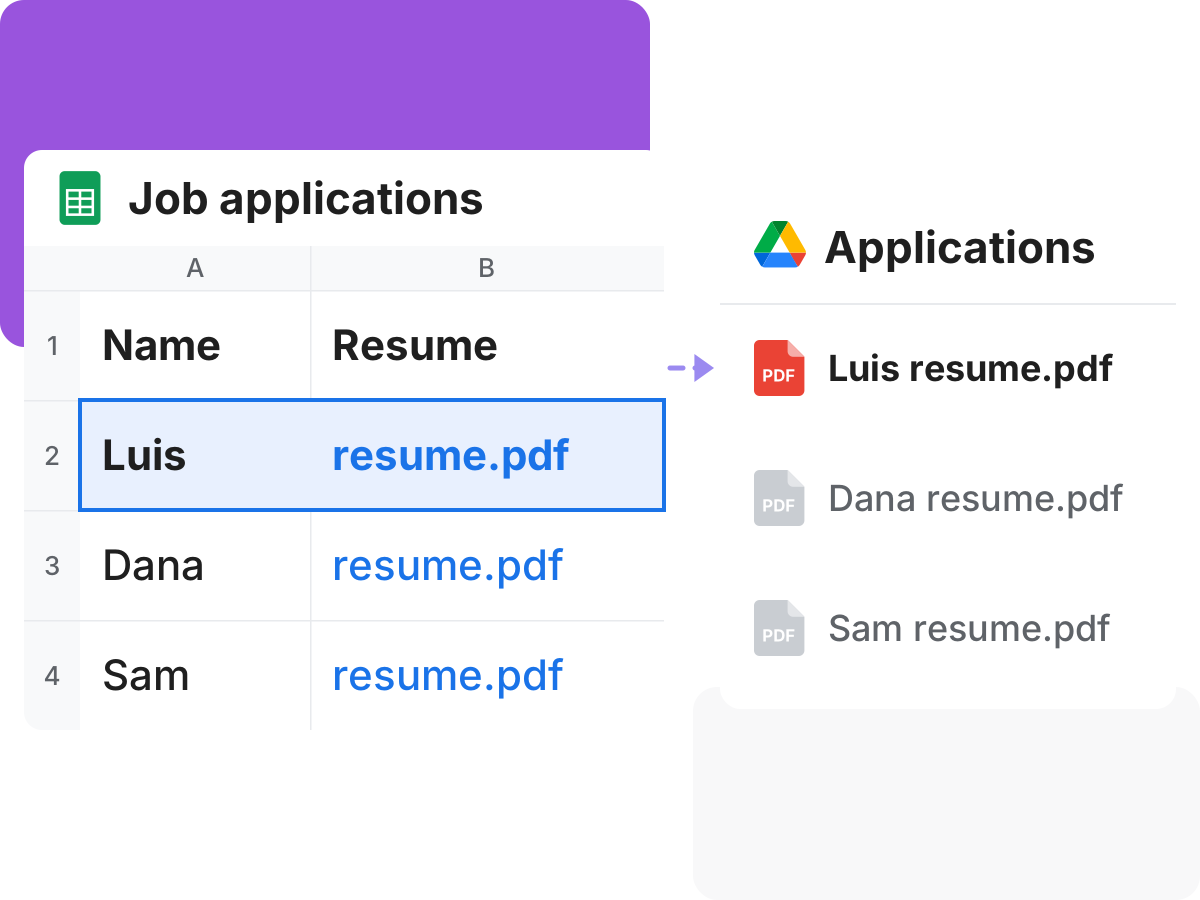
Uploaded files are just links in a list, with no names you can sort by. Each response links to its files, which you can rename and save to Drive.

Let your team open the files

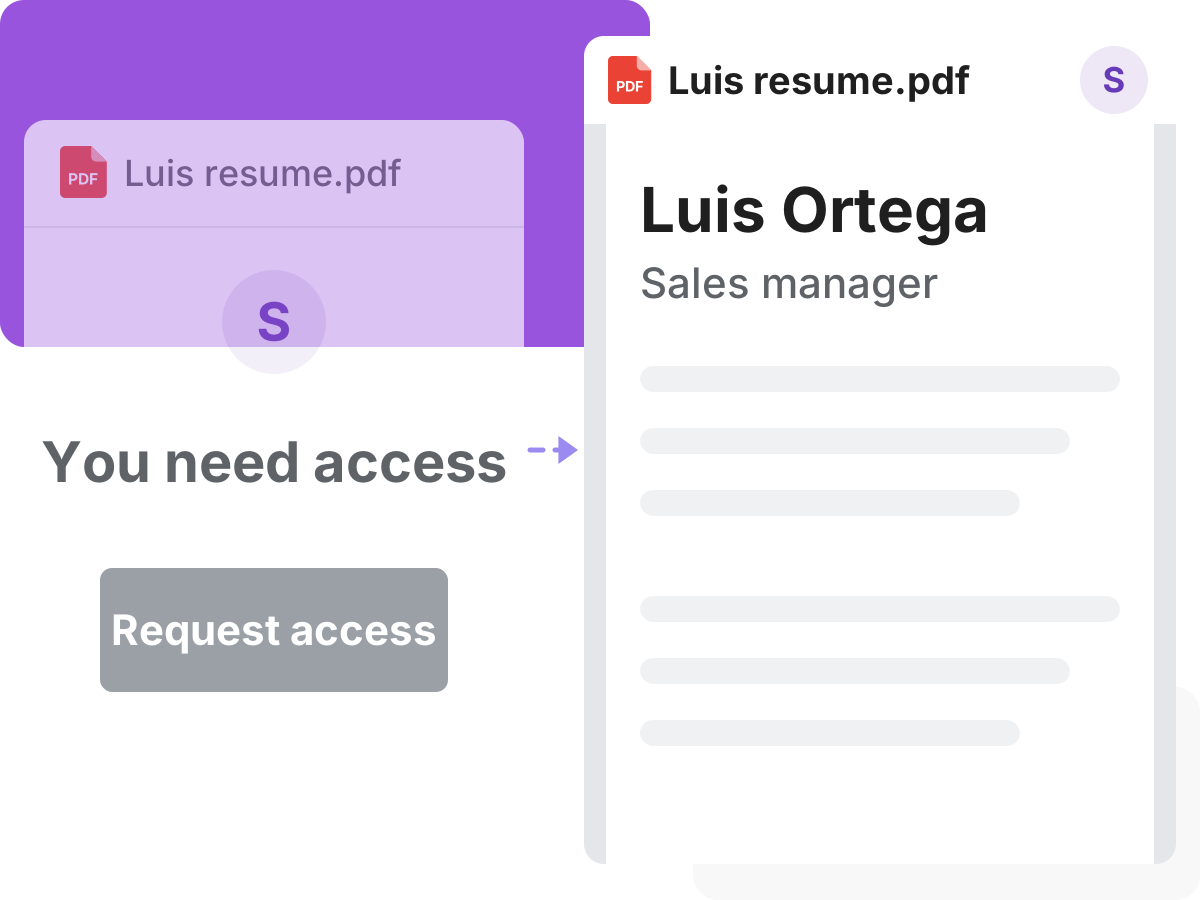
Your team clicks a file link and can't open it. Add your team as collaborators on the form so they can open the files, or turn on a public link.

Let your team open the files
Keep your Drive from filling up

Keep your Drive from filling up

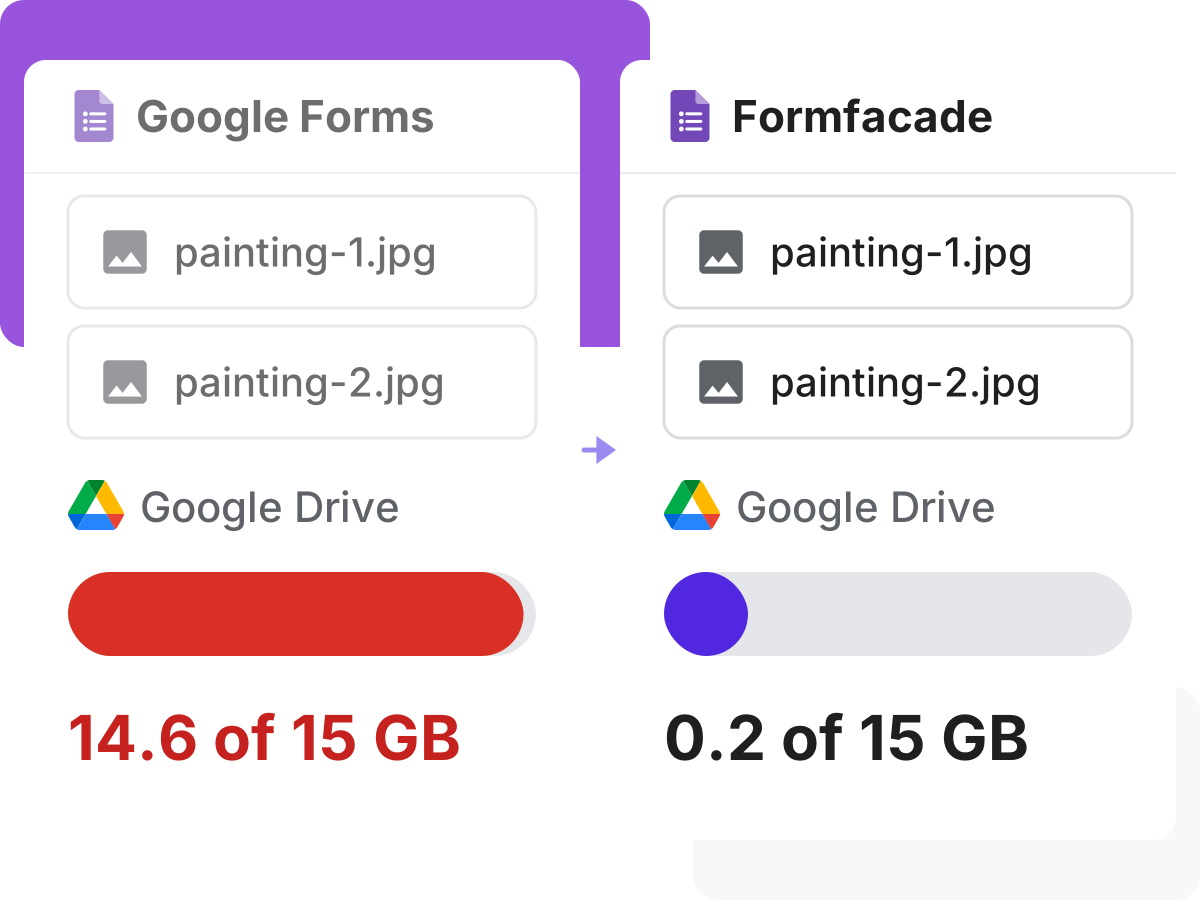
Uploads in Google Forms use up your Drive storage. Keep them in Formfacade's cloud storage instead, and copy them to Drive only if you want.

Customers love us

Karen Launchbaugh

I really like using google forms. But, I needed something that looked a bit more professional and I stumbled across formfacade. It works great! Easy to use and include on my Wordpress site. It was also easy to download the information submitted through the form. This is absolutely one of the best apps I have ever used in terms of service and support.

Dorothy Jem Chen

Hands down one of the best add ons in Google Forms especially if you feel so limited in Google Forms. It has features like calculations - which is perfect for automating your processes. It also makes your form look minimalistic compared to the bulky design of Google Forms.

Michael Simpson

This is an amazing add-on. It provides another level of control of the look and functionality of your Google Form. The product is well thought out and easy to use. The support is great! Fast answers that went above and beyond.

Aimee Cerka

An extra 5 minutes of work to incorporate my Google Forms into my website and present a more unified brand look, that is extremely valuable.

Alexandre Bosch Puig-Alsina

I really enjoy using Google Form as a tool to do my job, but appearance is not its best part. Formfacade helped me embed it in my website and make it look more professional.

Caio Cézar

We were using Google Forms for almost 2 years, but when we found Formfacade we immediately switched to Formfacade for its aesthetics and possibility of form customization in greater detail. It enhances the customers’ perception of your website and your brand.



From startups to corporates.
5000+ companies trust us.

A Job application form at docs.google.com asking people to sign in to upload their resume, faded, and a dashed line to the same form at yoursite.com with resume.pdf and photo.jpg attached and no sign-in play_circle_outline

Upload Files In Google Forms Without Sign in

Try it free