What are the different ways users can upload files in the form?
"Where can I upload photos to Google Forms?"- Quora
This is a common question when people fill in a form on their phone. If you run a photo contest, most entries come from a phone and the photo is often still in the camera roll. Google Forms makes people sign in to Google before they can upload. Asking them to send the photo by email or WhatsApp means matching each one to its entry by hand. With Formfacade, users can upload files by selecting a file from their computer, dragging the files from their computer and dropping it in the upload popup, snapping a picture using their mobile camera or uploading files from the photo library. Create your form and try these on your form.
When your users click Add file on your form, an upload box opens. They can:
Browse and choose files from your computer

Drag and drop files from your computer
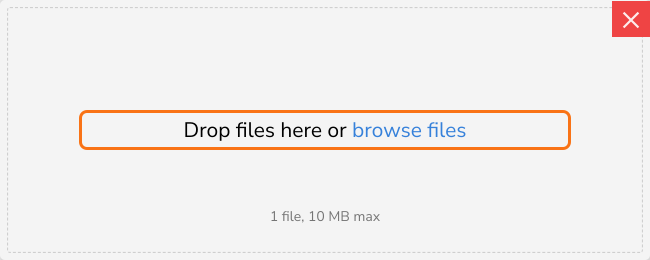
Snap a picture with your mobile camera or upload from your photo library
To let your users upload from their phone without a sign in, refer to this help article: How to upload files to Google Forms without a sign in?
Summary
If people fill in your form on a phone, Google's sign-in gets in the way and asking them to send a photo by email means matching it to the entry by hand. With Formfacade, they take a photo or pick a file on a phone or drag and drop on a computer and every entry comes in with its file. Create your form and try these on your form.
Last updated: