Enhance Google Forms into customer facing forms

Match your style, embed in your website. Analyze responses in Google Sheets.
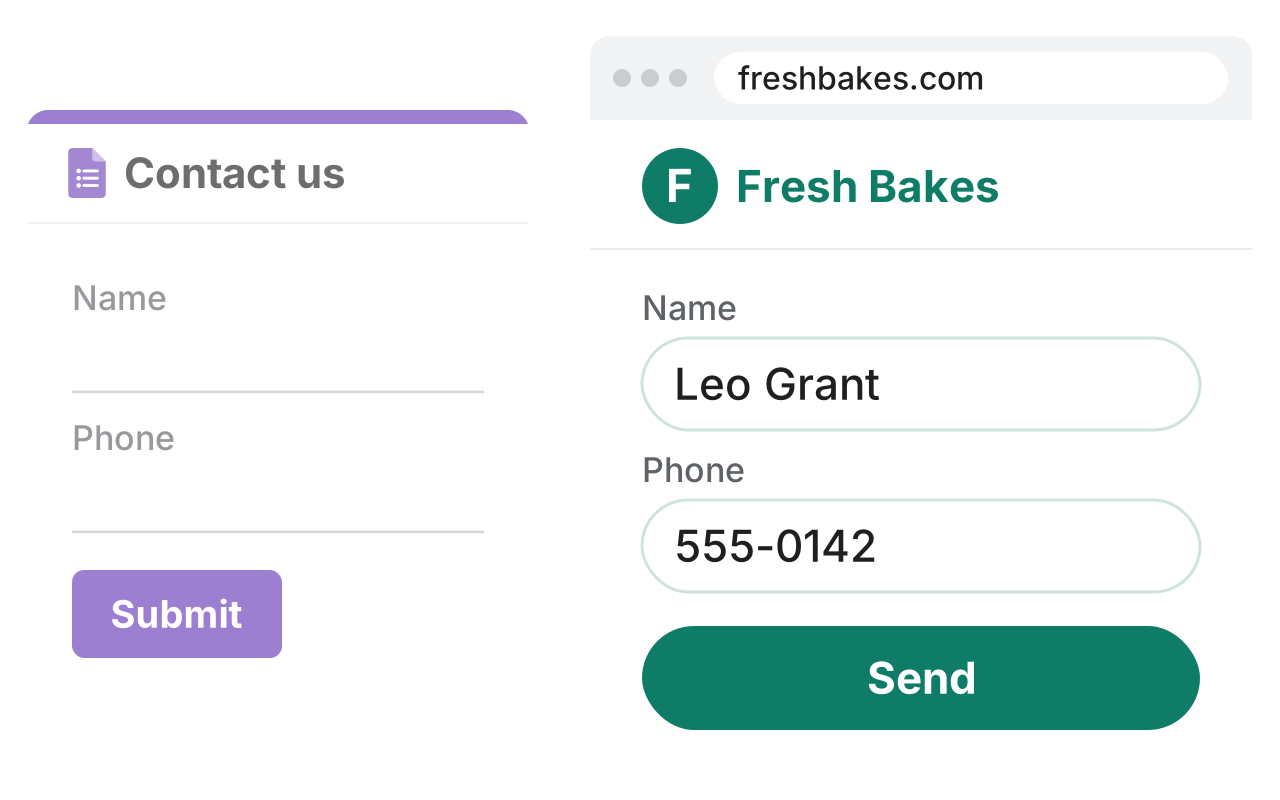
A plain Contact us Google Form, faded, and a dashed arrow to the same form at freshbakes.com with the Fresh Bakes logo, rounded fields and a green Send button

Why us?

Google Forms is great for internal use but looks unprofessional on customer facing websites. Formfacade adds the design, scoring and automation features you need to use Google Forms publicly with your own branding.

On Google Workspace Marketplace
4.6 stars
SOC 2 Type II Certified
Trusted by 5000+ businesses

Our products

Customize Google Forms UI

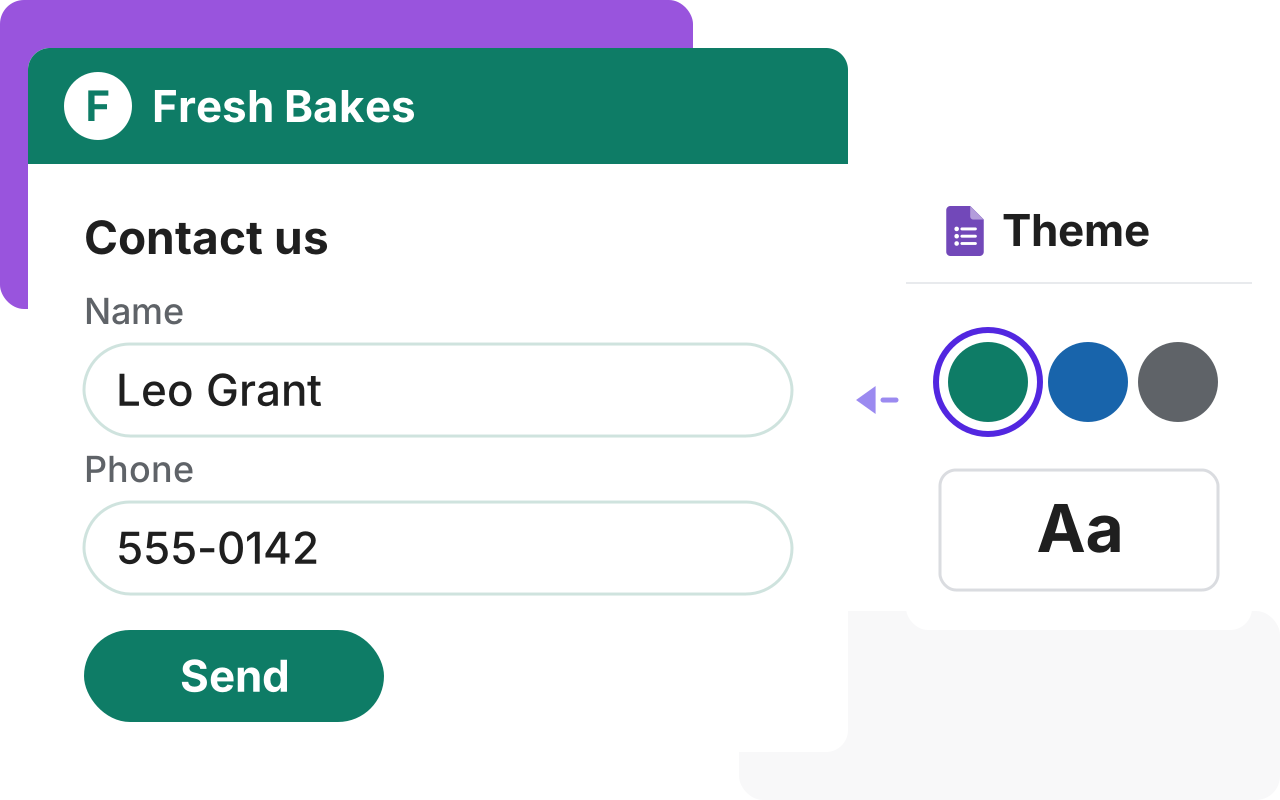
A plain Google Form looks out of place next to your website. Embed it with your own layout, colors and fonts, so customers feel they never left your site.

A Contact us form in a business's own design with its logo, rounded fields and a green Send button, beside a Theme panel with three colors and a font choice
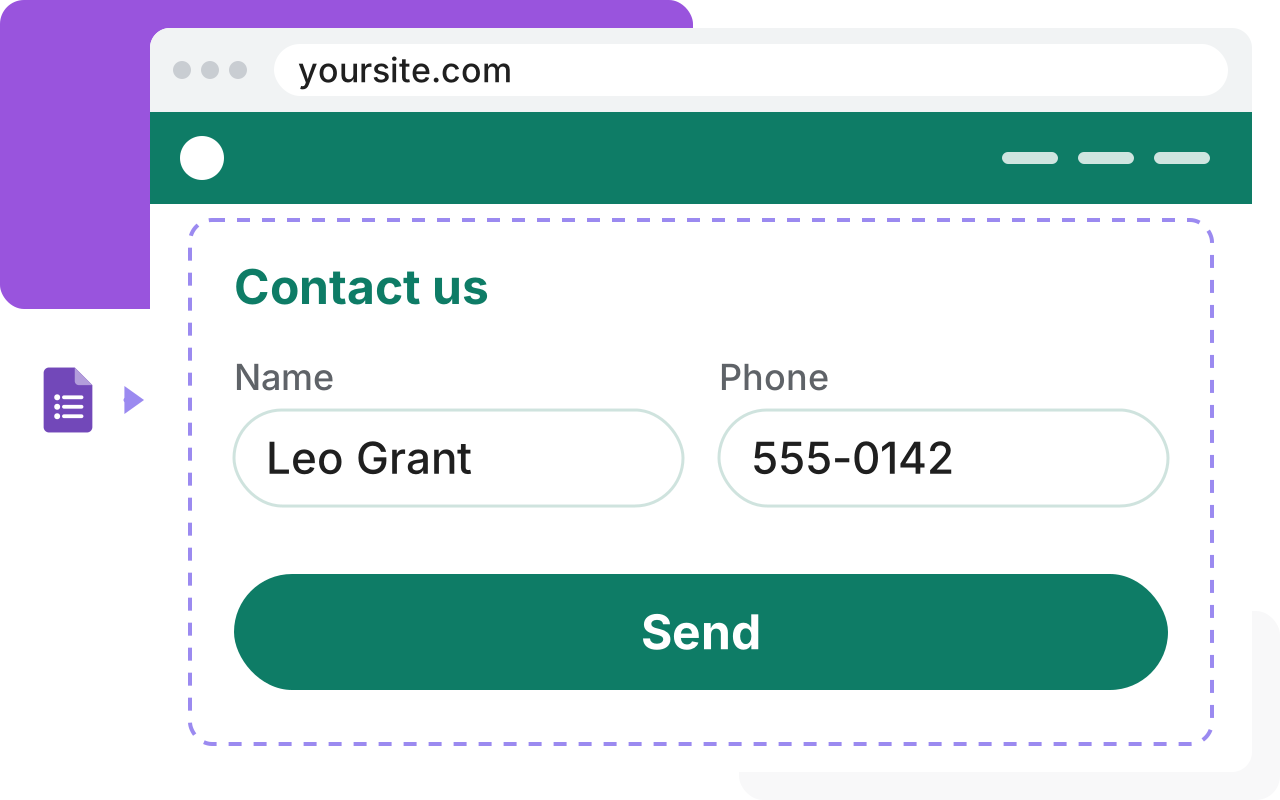
The Google Forms logo with a dashed arrow into a website at yoursite.com, where a Contact us form sits inside the page in the site's color

Embed Google Forms in your website

A link to a Google Form takes people away from your website. Put the form on your page, with your colors and fonts and no Google branding.

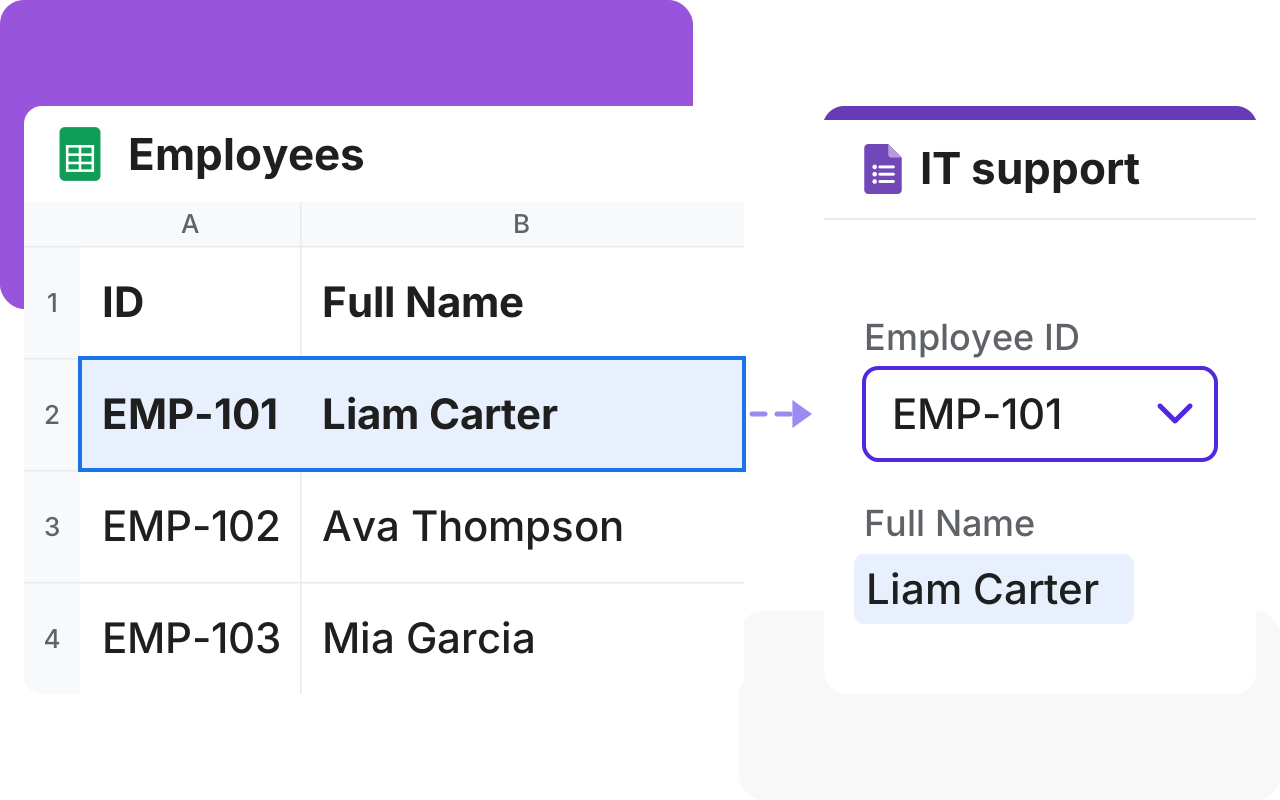
Lookup Google Sheets data in Google Forms

Changing the same dropdown in every form takes time and some copies get missed. Keep the list in one Google Sheet and every connected form shows the change.

An Employees sheet with one row selected, a dashed line to a form where picking that ID fills in the same name in the same pale blue
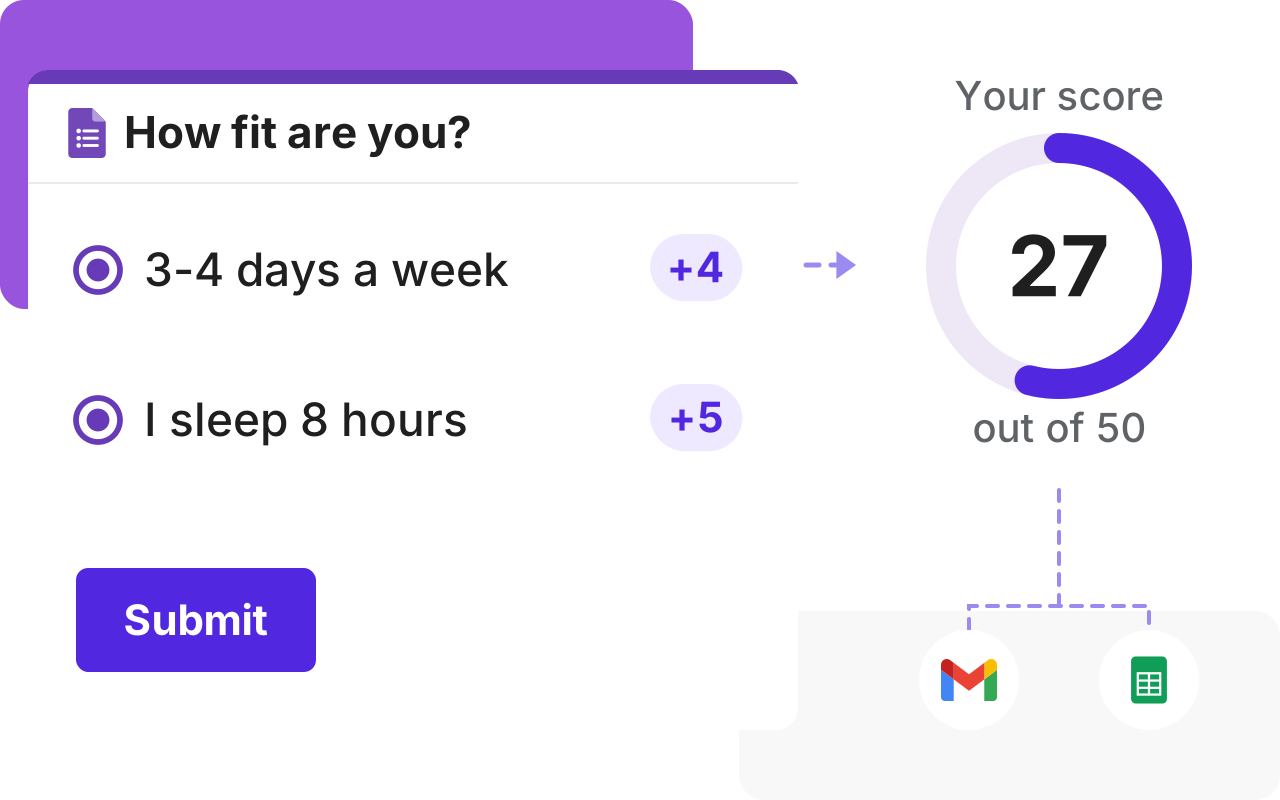
A How fit are you? form with two answers worth +4 and +5, and a dashed line to a score of 27 out of 50, which goes on by dashed lines to Gmail and Google Sheets

Calculate score in Google Forms

Google Forms quizzes only mark an answer right or wrong. Formfacade lets "5+ days a week" earn 5 points and "Never" just 1, so scores show how active people are.

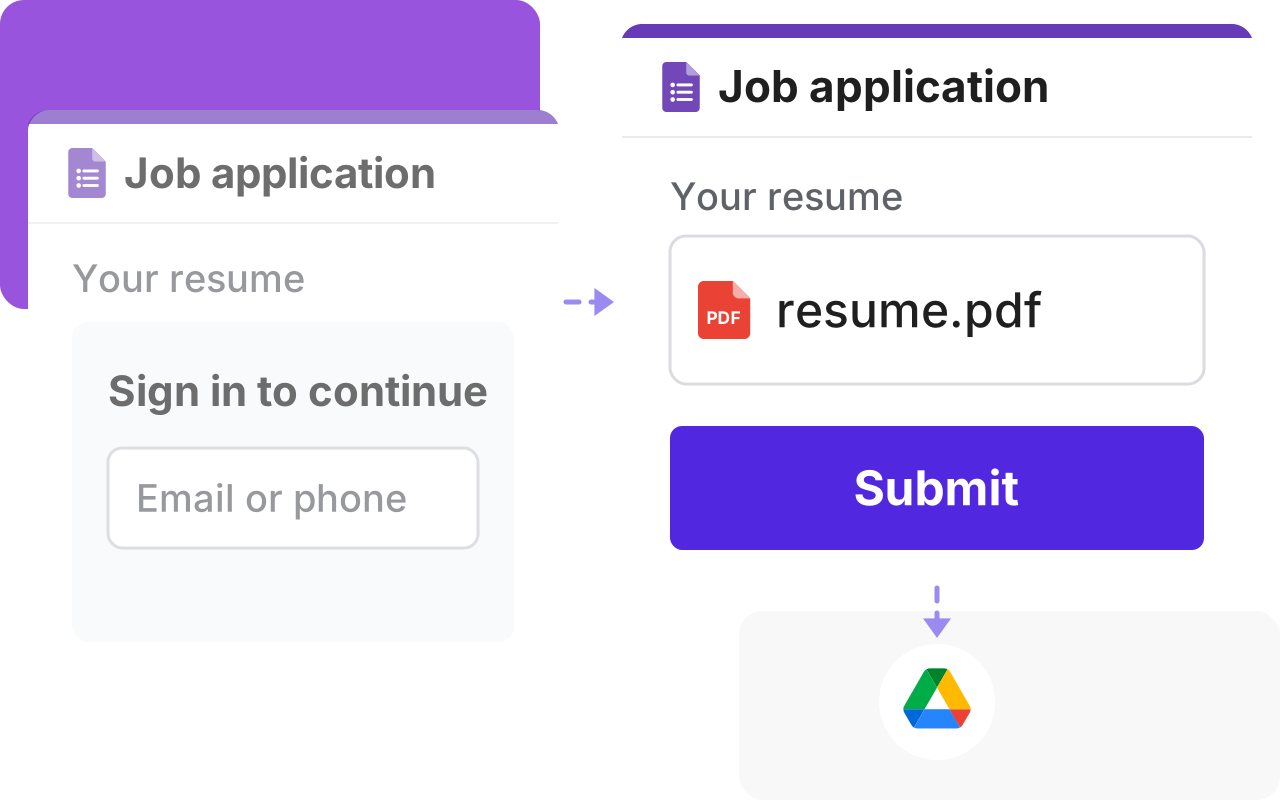
Upload files in Google Forms without login

Google Forms makes people sign in to Google before they can upload a file and some can't or won't. With Formfacade, anyone can upload from your form.

A Google Form asking people to sign in to upload their resume, faded, and a dashed line to the same form with resume.pdf attached and Submit, which goes on by a dashed line to Google Drive
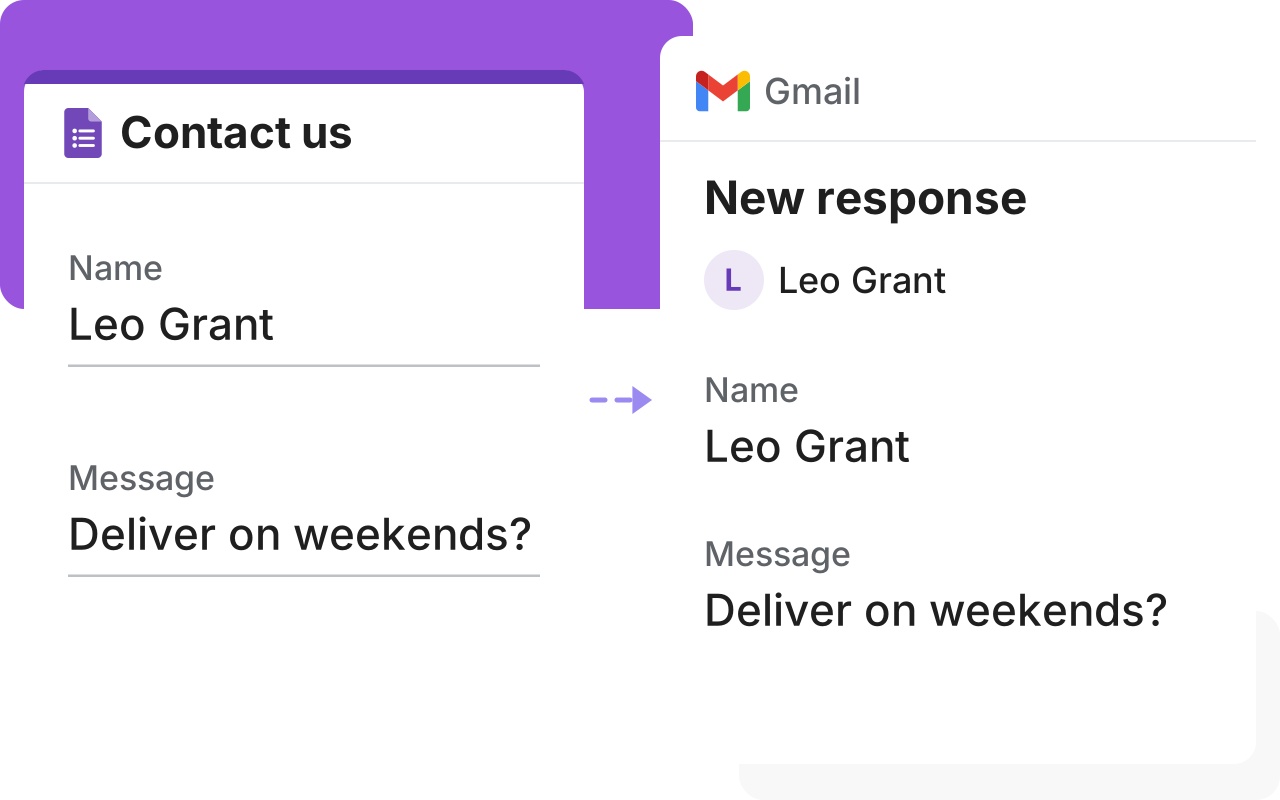
A Contact us Google Form with a name and a message, and a dashed line to a Gmail message with the same answers

Send Google Forms responses as email

Google's email only has a link and only the form owner can open it. Formfacade puts the answers in the email, so anyone you send it to can read them.

Prefill Google Forms. Send as Email.

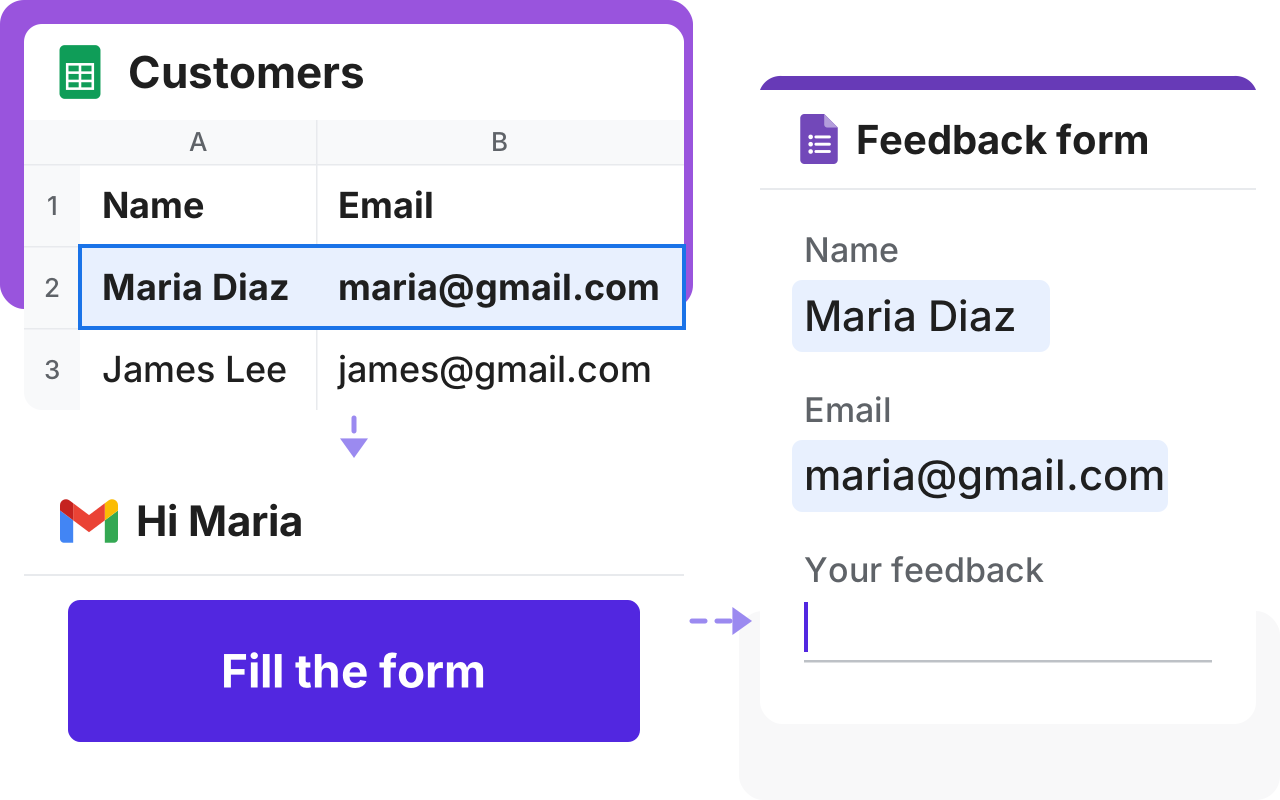
People don't like typing details you already have. Send a link with their name and ID filled in and those details stay out of the web address.

A customer list in a Google Sheet with Maria selected, a dashed line down to an email with a Fill the form button, and a dashed line to a form with her name and email already filled in the same pale blue

Customers love us

Karen Launchbaugh

I really like using google forms. But, I needed something that looked a bit more professional and I stumbled across formfacade. It works great! Easy to use and include on my Wordpress site. It was also easy to download the information submitted through the form. This is absolutely one of the best apps I have ever used in terms of service and support.

Dorothy Jem Chen

Hands down one of the best add ons in Google Forms especially if you feel so limited in Google Forms. It has features like calculations - which is perfect for automating your processes. It also makes your form look minimalistic compared to the bulky design of Google Forms.

Michael Simpson

This is an amazing add-on. It provides another level of control of the look and functionality of your Google Form. The product is well thought out and easy to use. The support is great! Fast answers that went above and beyond.

Aimee Cerka

An extra 5 minutes of work to incorporate my Google Forms into my website and present a more unified brand look, that is extremely valuable.

Alexandre Bosch Puig-Alsina

I really enjoy using Google Form as a tool to do my job, but appearance is not its best part. Formfacade helped me embed it in my website and make it look more professional.

Caio Cézar

We were using Google Forms for almost 2 years, but when we found Formfacade we immediately switched to Formfacade for its aesthetics and possibility of form customization in greater detail. It enhances the customers’ perception of your website and your brand.



From startups to corporates.

5000+ companies trust us.

Enhance Google Forms into
customer facing forms